Keep every brand in view.
See your connected accounts, publishing pipeline and upcoming posts in one overview.
SOCIAL PUBLISHING, WITH EVERYONE ON THE SAME PAGE
Bring your brands, drafts and approvals together. Atlas gives your team one clear place to prepare posts, review the details and plan what goes live.
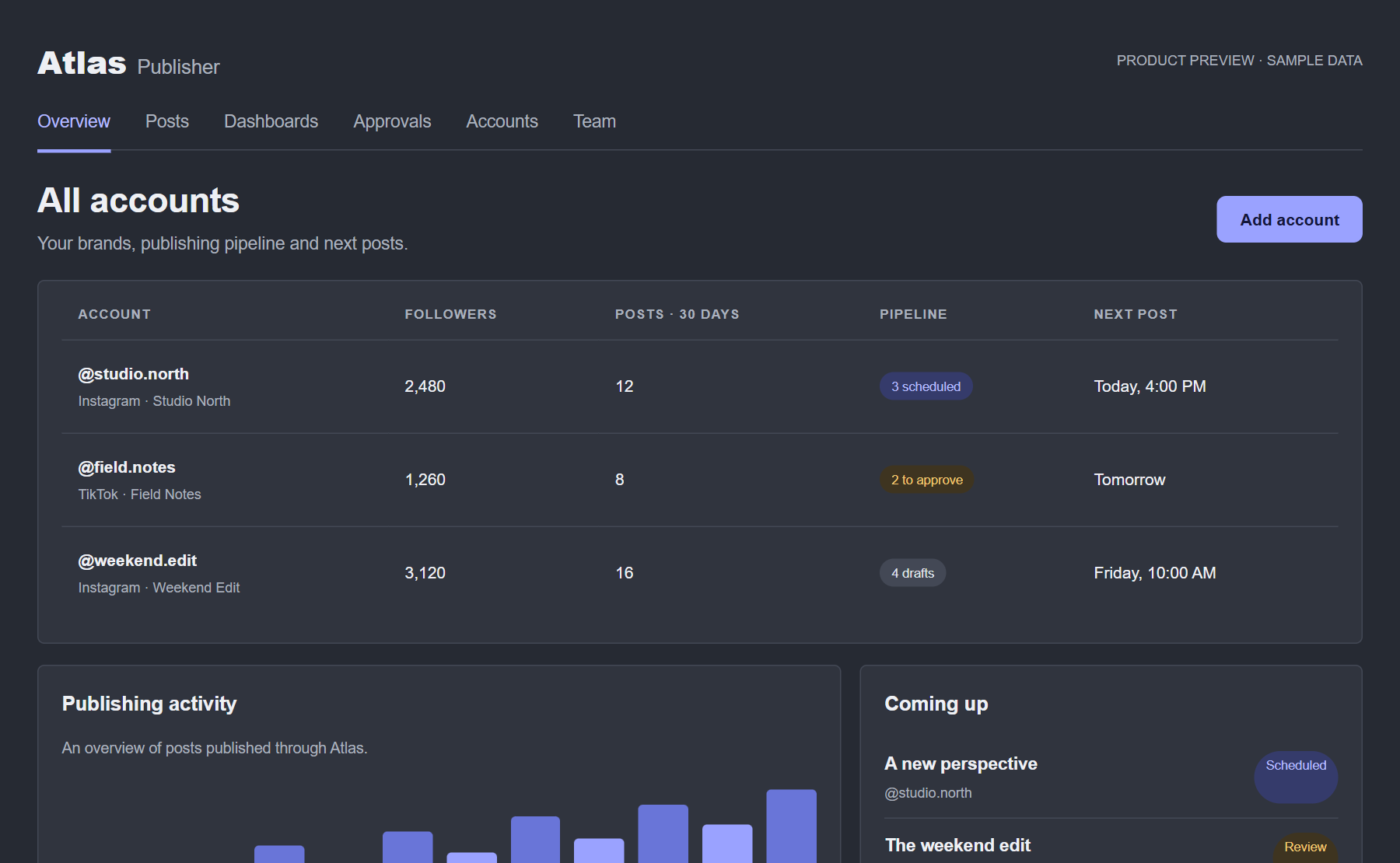
Illustrative Atlas previews with sample accounts and content.
LESS SWITCHING TABS. MORE MOVING FORWARD.
See your connected accounts, publishing pipeline and upcoming posts in one overview.
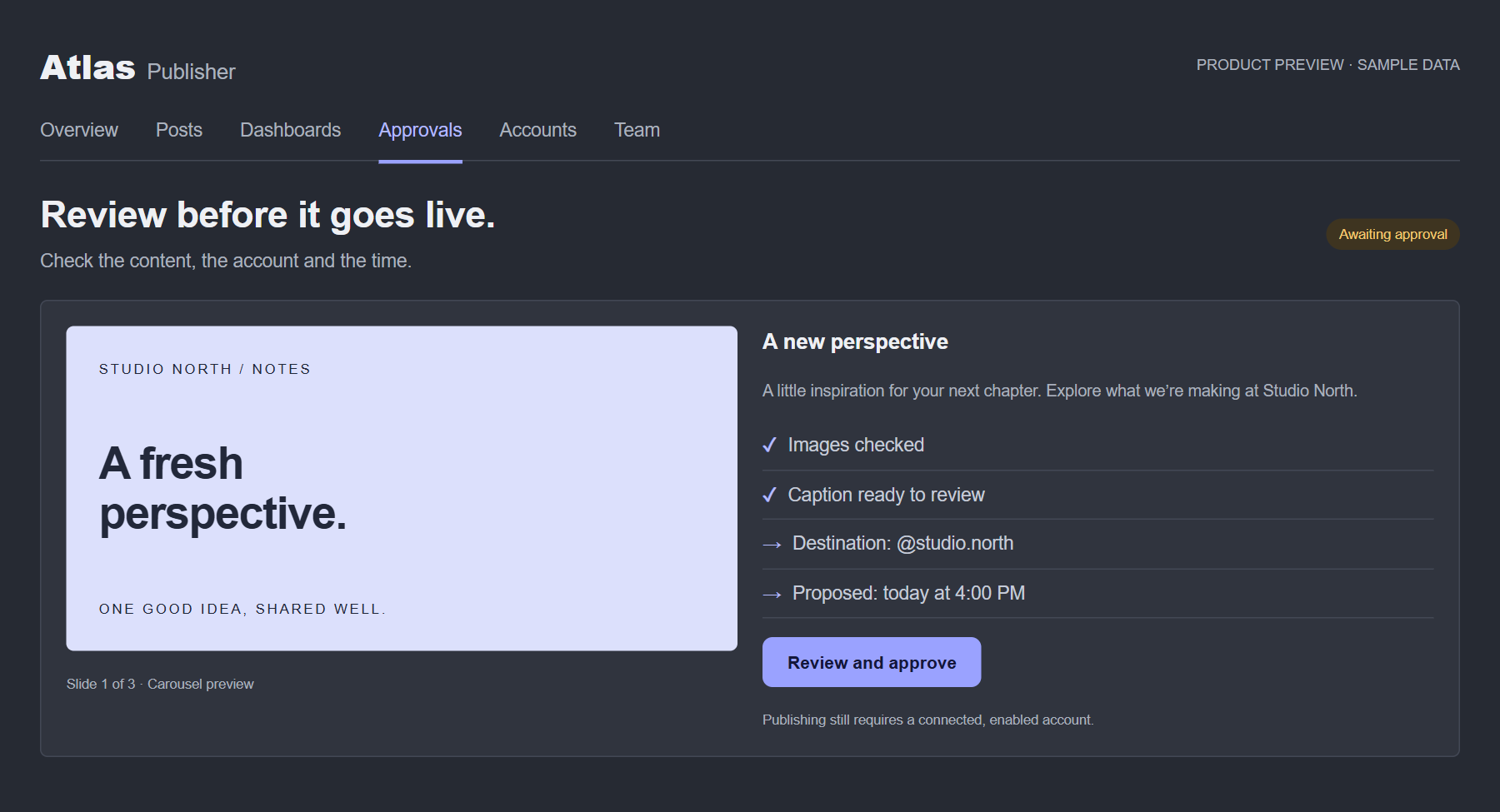
Check images, captions, destination accounts and proposed times before approval.
Keep drafts, approvals and scheduled posts moving through a shared workflow.
A CLOSER LOOK AT ATLAS
Familiar tools for the people behind your social accounts.
Group your social accounts by brand. See what is drafted, waiting for approval or scheduled, without piecing it together across tabs.
Review the exact images, caption, account and proposed time. Assistants prepare the content; managers and owners approve the next step.
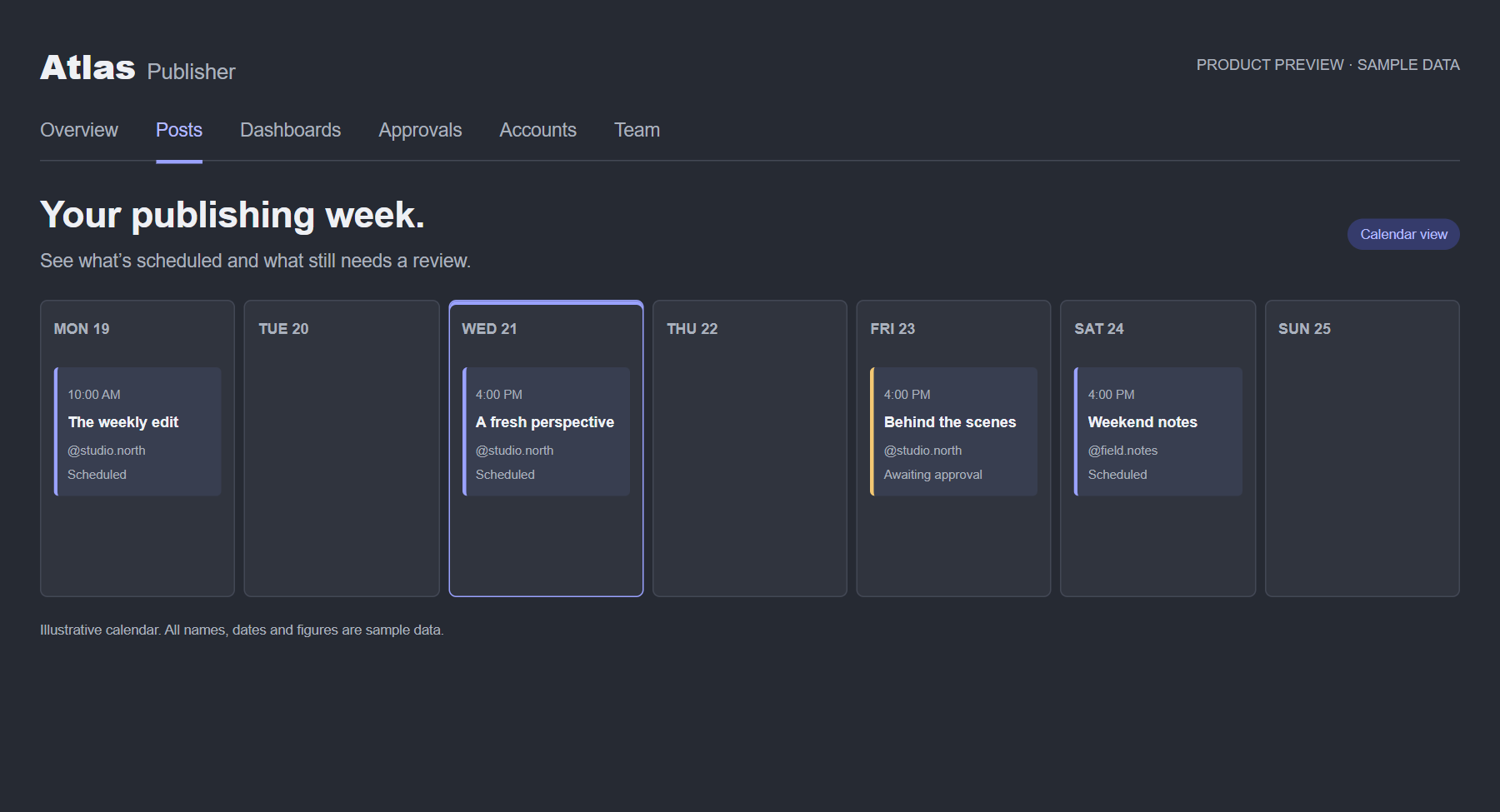
See scheduled posts across your brands and spot what still needs attention. Publishing requires approval and an enabled, connected account.
BETTER TOGETHER
Give managers and assistants their own Atlas login. Your team shares one workspace, with clear permissions for every step.
Prepare drafts, upload images and submit for review.
Manage accounts, review content and approve posts.
Manage team access, publishing controls and AI connections.
A FEW GOOD QUESTIONS
Your Atlas owner creates a private invitation link. Open the link, choose your password and sign in. Atlas is invitation-only.
No. Invited teammates sign in directly to Atlas using their email and password.
Assistants prepare drafts and submit them for review. A manager or owner must approve before a post can publish.
Atlas has Instagram professional-account and TikTok photo-post workflows. Availability depends on account eligibility, connection and provider approval.
YOUR NEXT POST STARTS HERE
New to the team? Ask your owner for an invitation.